Playbook · Outreach
LinkedIn Connection Message: Templates for Every Situation
 By Marián Cabadaj · Published 22 October 2026 · 7 min read



A LinkedIn connection message has 200 characters and one job: to get the request accepted. None of the templates below pitch anything.
They are sorted by situation, because the right note depends on where you found the person: a prospect you have never met, someone from an event, or someone who just posted, commented or started hiring. Each template shows its length as written. Fill the brackets with something true and it still fits.
The last set is for the message after they accept, which is where the actual conversation starts. How much one account can send in a week is a separate question, covered in our guide to LinkedIn outreach.
What should a LinkedIn connection message say?
LinkedIn answers this itself. Its help page on personalised invitations says a good note usually includes how you found the person or what you have in common, why you would like to connect now, and a clear and polite tone. Each note can be up to 200 characters.
What this means for a B2B sales team: 200 characters is two short sentences. The first says where you found them. The second says why now. Your product and your offer do not fit, and the note is better without them.
The profile does the rest
The recipient reads the note next to your profile. RAIN Group's survey for Top Performance in Sales Prospecting, run in 2017 with 488 buyers, found that 82 percent review a seller's LinkedIn profile before they accept a meeting.
What this means for a B2B sales team: the survey is from 2017, so read 82 percent as a direction rather than a current figure. Fix your headline before you send fifty requests, because it answers "who is this" so the note does not have to.
Do you need a note at all?
Not always. On a free account the note is a scarce resource: LinkedIn lets you personalise up to three connection requests a month. Premium members can personalise all of them, but the connection request limits still apply.
A pile of requests nobody accepts is the bigger risk. LinkedIn's page on invitation restrictions lists invitations that were ignored, left pending or marked as spam as a reason to restrict an account. Most restrictions lift within one week. Withdraw an invitation and you cannot resend it to the same person for up to three weeks.
What this means for a B2B sales team: spend the notes on people where the reason is not visible from your profile, such as a post they wrote or an event you both attended. Send a plain request when the fit is obvious, and put the reason in the first message after the accept.
They can answer without accepting
LinkedIn's help page also says a recipient can reply to your note without accepting the invitation. So the note can end with a small question. A question invites an answer even when the person is not ready to connect.
Which connection message works for a prospect you have never met?
One with a reason that is about them. If you have nothing specific, these three still give the person something to recognise.
| Situation | Template | Characters |
|---|---|---|
| Same market, no contact yet | Hi [name], I work with [type of team] on [problem] and follow how [company] handles it. Would be glad to connect and learn from your posts. | 139 |
| Shared group or community | Hi [name], we are both in [group]. Your take on [topic] there was the most practical one in the thread. Happy to connect. | 121 |
| Mutual connection, real one | Hi [name], [mutual] and I worked together on [project] and your name came up when we talked about [topic]. Would like to connect. | 129 |
Use the mutual connection only when the person really knows you both. A name you found on a list is not a connection, and the recipient can check it in one click.
Field note: the cold notes I see accepted most often are the ones that compliment something specific the person wrote. Generic praise ("I admire your work") reads as automated, because it usually is.
What do you write after meeting someone at an event?
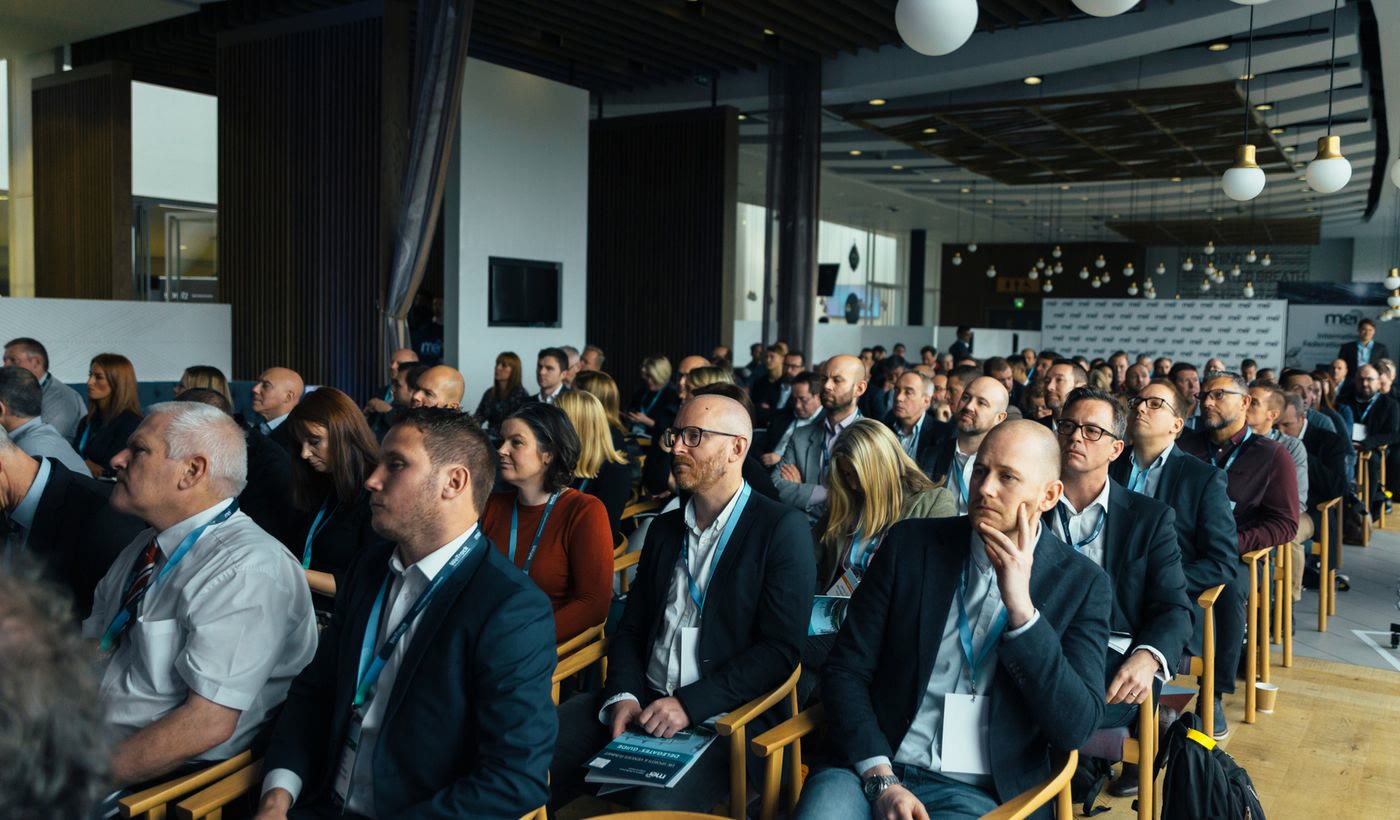
Send it within a day or two, and name the event and one detail, while both of you still remember the conversation.
| Situation | Template | Characters |
|---|---|---|
| You spoke in person | Hi [name], good to meet you at [event] on [day]. I enjoyed our chat about [topic]. Would be glad to stay in touch here. | 119 |
| You saw their talk | Hi [name], your talk at [event] on [topic] was the one I took notes on, especially [point]. Would be glad to connect. | 117 |
| Both attended, never met | Hi [name], I saw you were at [event] too. Sorry we missed each other. What did you make of [session]? Happy to connect. | 119 |
The detail is what makes it work. "Good to meet you at the conference" could be sent to 300 people. "Our chat about onboarding new SDRs" could only be sent to one.
What do you write after they post, comment or hire?
These are the easiest notes to write, because the person gave you the reason in public. Quote what they said, briefly, and do not turn it into a pitch.

| Situation | Template | Characters |
|---|---|---|
| They posted about the problem | Hi [name], your post on [topic] matched what I hear from [type of team]: [their point, short]. Would like to follow your thinking on it. | 136 |
| They commented on a thread | Hi [name], your comment under [author]'s post on [topic] was spot on, the part about [point]. Happy to connect. | 111 |
| Their company is hiring | Hi [name], saw [company] is hiring a [role]. Building that team is a big step. Would be glad to connect and follow how it goes. | 127 |
| They started a new role | Hi [name], congratulations on the new role at [company]. Curious what you plan to change first in [area]. Happy to connect. | 123 |
Timing matters more here than anywhere else. A note about last week's post makes sense. A note about a post from March reads like someone went through an archive. Our guide to real-time buying signals covers how fast each kind of signal goes stale.
What do you send once they accept?
A message that picks up the reason from your note, asks one question, and stays short. This is the first message the person actually reads in full. It has more room than the note, but not much more.

| Situation | First message |
|---|---|
| They accepted a note about their post | Thanks for connecting, [name]. You mentioned [their point]. How are you handling it today? Asking because [type of team] usually solve it one of two ways. |
| They accepted after an event | Thanks for connecting, [name]. I promised to send [resource] after [event]. Here it is: [link]. No reply needed, unless [topic] is on your list this quarter. |
| They accepted without a note | Thanks for connecting, [name]. I reached out because [reason in one line]. Is [problem] something you are working on, or not a priority right now? |
LinkedIn measured what gets answered. Its Talent Solutions analysis of tens of millions of InMails sent between May 2021 and April 2022 found that the shortest ones got 22 percent more replies than average, and that messages sent one at a time got about 15 percent more replies than messages sent in bulk.
What this means for a B2B sales team: the data is from recruiters writing to candidates, but the lesson carries over. Keep the first message to two or three sentences, write it to one person, and send the meeting request only after they answer.
Everything in these templates also has to stay inside LinkedIn's rules on automation and honesty, which are covered in our guide to ethical LinkedIn outreach.
How Leadalf finds the reason for the note
The hard part of a connection message is having something true and recent to say about the person. That is the part Leadalf does.
It watches LinkedIn, Reddit, X, the Meta Ad Library and job postings for people who match your ICP and just posted, commented or hired for the problem you solve. It scores each one and delivers the people who pass into HeyReach, Instantly or a CSV with what they said attached. That is the bracket in the signal templates above, filled in before you write.
It does not raise LinkedIn's limits, and it does not write the note for you. How it works shows where each signal comes from.
LinkedIn connection message: FAQ
How long can a LinkedIn connection message be?
LinkedIn caps the note attached to an invitation at 200 characters, which is about 35 words. Every template on this page stays at 170 characters or less as written, so a name and a company still fit.
How many personalised connection requests can you send on a free account?
LinkedIn's help page says a free account can add a personalised note to up to three connection requests a month. Premium members can personalise all of them, although connection request limits still apply.
Should you send a LinkedIn connection request without a note?
Yes, when the reason will be obvious from your profile or when you have used your monthly notes. Send the reason in the first message after they accept instead. What hurts is a pile of requests nobody accepts, because LinkedIn restricts accounts with many ignored or pending invitations.
Should you pitch in a LinkedIn connection message?
No. The note has one job, which is to get the request accepted. LinkedIn's own guidance is to say how you found the person, why you want to connect now, and to keep the tone polite. A pitch in 200 characters reads like spam and is easy to ignore.
What should you send after someone accepts your connection request?
A short message that picks up the reason from your note and asks one question. LinkedIn's Talent Solutions data from 2022 found the shortest InMails got 22 percent more replies than average. It is recruiter data, but it is the closest measured guide to how long a first message should be.